Registering the User and Downloading the Application
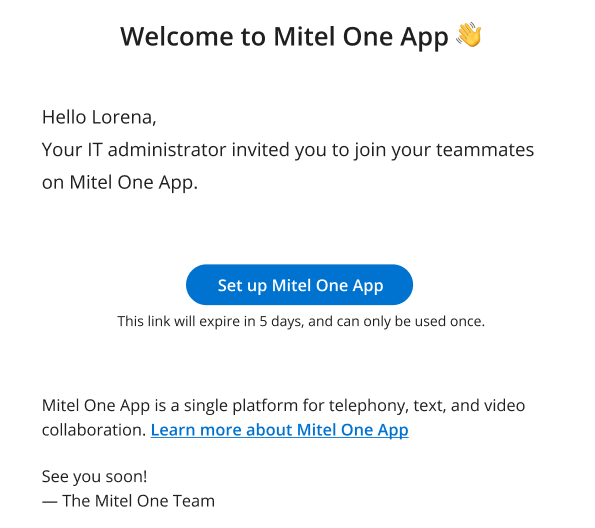
A welcome email is sent to the user when the Mitel One application is deployed to the user from the CloudLink Accounts console. Users must use the Set up Mitel One button in this email to register their information with Mitel and build an account to log in to the Mitel One application. For more information, see Register your Mitel One web application.
To access the Mitel One web application, users must enter the URL https://one.mitel.io in their browser and log in to the application.
↑