MiCollab Client and Ignite user interface (DESKTOP)
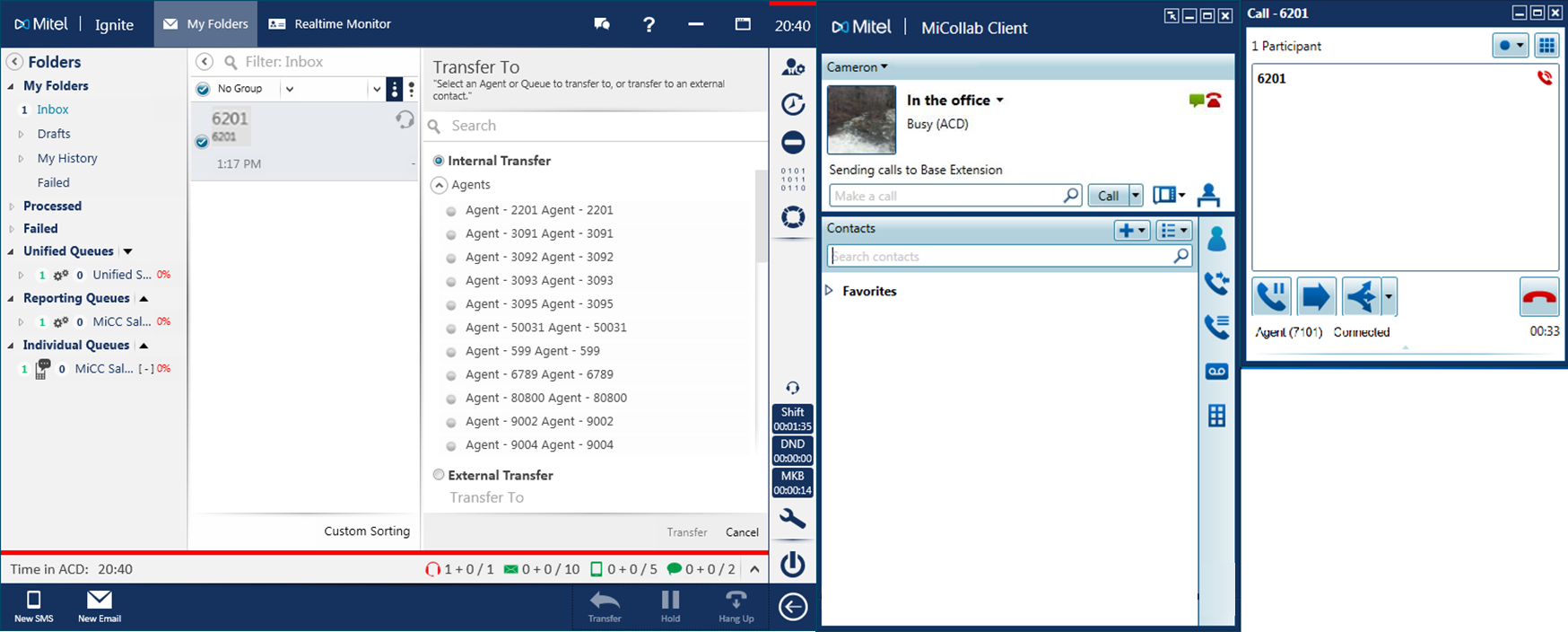
Ignite, when started, automatically docks to the MiCollab Client application, creating one client interface for voice and multimedia. See the following figure:
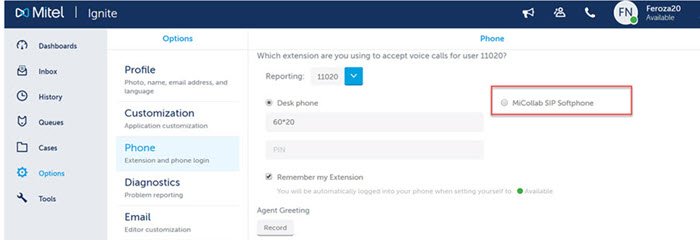
The MiCollab Client and Ignite integration offers you the flexibility to access as much or as little of the interface as needed in order to optimize desktop real estate.
For example, you can choose to collapse the main Ignite window and access only the Ignite Sidebar and MiCollab Client (recommended for voice-only agents) or expand the Ignite panes if you will also handle non-voice media. If you are transferring a call, it is beneficial to check recipient agent availability before transferring. (See the following figure.)
Given enough space on the screen, MiCollab Client automatically docks to the right of the Ignite window. If there is not enough space to the right, MiCollab Client docks to the left of the Ignite window. If the agent repositions the MiCollab Client on the desktop, Ignite will automatically re-dock to MiCollab Client in its new position.
You can minimize and restore the MiCollab Client and Ignite applications independently or together. When both windows are full size, you can minimize the individual application. When the Ignite window is collapsed, minimizing the MiCollab Client window also minimizes Ignite.