Logon
This section describes how to setup BO#1.
- Factory Reset the EX Controller and plug in the network cable to the ETH1 port on EX Controller (If DHCP is running in the network).
Note:
If DHCP is not running into the network then, plug in the network cable to the ETH2 port on EX Controller and use the default IP address of 192.168.0.10 to open the EX Controller Interface.
Figure 1. Login page
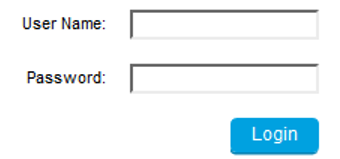
- Enter the following details in Login page.
- User name/password: public /
- User name/password: admin/administrator
- Plug in the analog phone in the FXS port 1 of the EX Controller and dial *#*0 to know the IP address of the EX Controller assigned by using DHCP server.
- Log into the EX Controller by using the above-mentioned IP address and navigate as described below to configure.
↑