Call handoff
Handoff provides the ability to push a connected softphone call to another available device. To handoff (push) an active MiCollab call to another device:
- Initiate a MiCollab call.
- Select Handoff from the more (
 ) menu.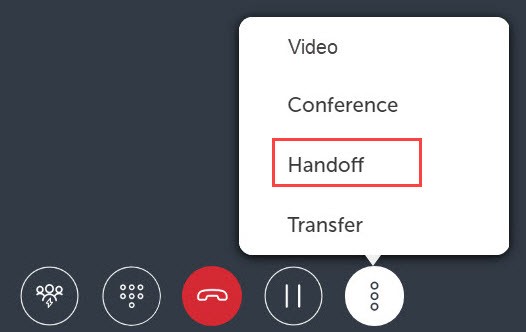
- Select the preferred device from the Handoff to dialog box.
The Handoff complete message appears on the screen indicating the handoff is successful.Note: The call remains displayed in the MiCollab Client until the call is ended.
↑