Escalating a MiCollab audio call to a video call
You can escalate a MiCollab audio call (softphone only) to a video call:
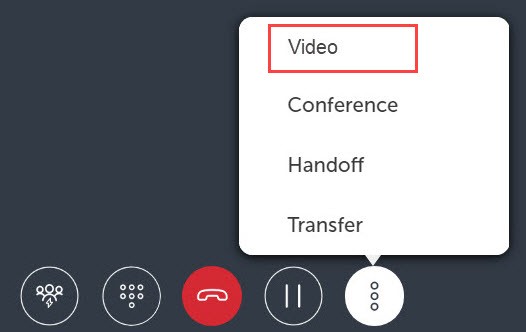
- On an active audio call window, select the more (
 ) menu.
 - Select Video.
Note: While active on a MiCollab video call (on softphone), click the fullscreen icon in MiCollab Client to open the video in full-screen mode.
↑