Softphone settings
If your system administrator provisioned a softphone for you, you can activate your softphone. To activate your softphone:
- Open MiCollab Client.
- Click
 or
or  icon in the lower right corner of the Client.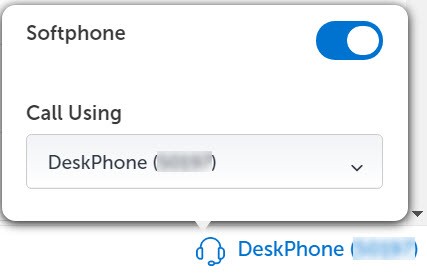
- Under Softphone, click the toggle button to On to enable the softphone.
Note: The toggle registers the configured softphone with the Call Manager.
↑