Transferring a call
Use the Transfer feature to transfer a MiCollab audio call from one user to another user. MiCollab Client supports two modes of call transfer; Supervised transfer (Consultation) and Unsupervised transfer (Blind) from the call window.
To transfer an active MiCollab audio call:
- While on an active MiCollab audio call, select Transfer from the more (
 ) menu.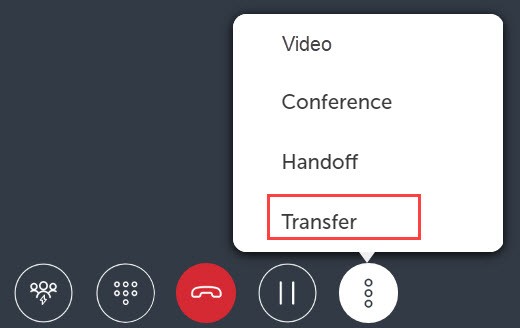
- Choose a contact or enter a name or telephone number in the search box.
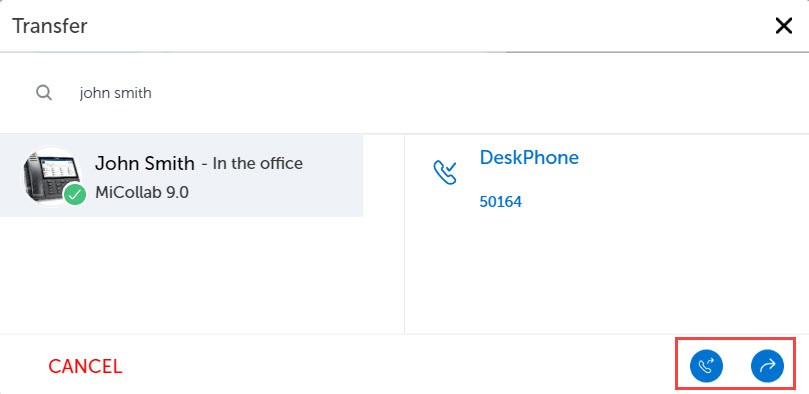
- Select the required contact and click Consultation Call (
 ) for a Supervised transfer or Blind Transfer (
 ) for an Unsupervised transfer.
Call Transfer complete message is displayed and the call is successfully transferred.
↑