Softphone settings
If your system administrator provisioned a softphone for you, you can activate your softphone. To activate your softphone:
To enable Softphone, perform any one of the following steps:
- From your avatar:
- Click on your avatar to open the User Profile menu.
- Under Softphone, click the toggle button to On to enable the softphone.
- From lower right corner of the Client:
- Click
 or
or  icon
icon - Under Softphone, click the toggle button to On to enable the softphone.
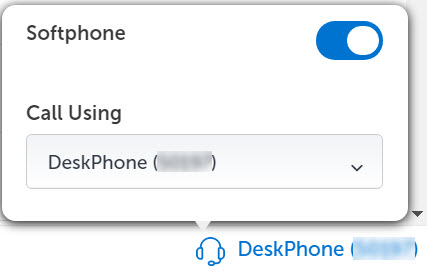
Note: The toggle registers the configured softphone with the Call Manager. - Click
Note: If you have multiple playback devices connected to your PC, make sure that the preferred audio device is selected as the default playback device in your PC's system settings. To select the default speaker, right-click the speaker icon on the PC's taskbar and select Playback Devices. Select the preferred device and click OK.
↑