Configure an existing connection
This topic provides step-by-step instructions on modifying an existing connection of the integrated product.
To modify an existing connection, perform the following steps:
- On the Workflow Studio home page, under Library, click Integrations.
The Integrations Hub page is displayed.
- On the Integrations Hub page, under the Connected Integrations section, click
 icon next to the integrated product you want to modify.
The Integration Setup page is displayed.
Figure 1. Integration Setup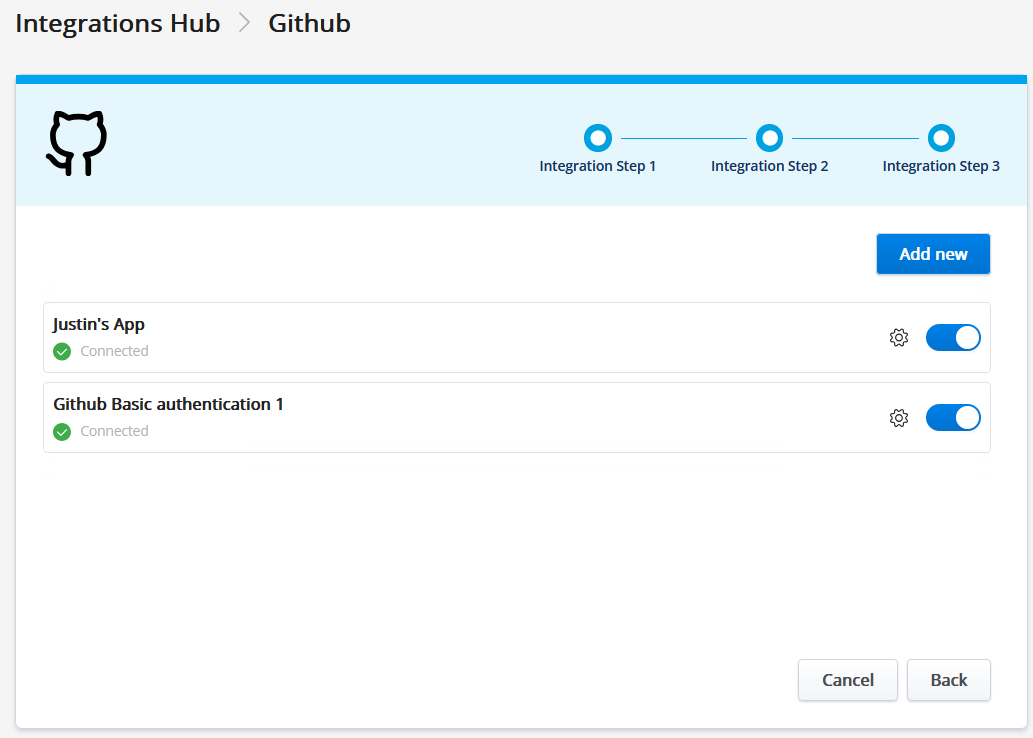
- Click icon to modify the connection details.
The Configure this connection popup screen is displayed with the existing details.
- Modify the required details in the respective field.
- Click Save to save the changes.
↑