Templates
The Templates section displays a list of workflow templates. Templates cannot be created or edited but can be cloned to create a new flow. They provide examples for integrating flows with existing solutions, such as social media applications.
You can access the Templates page by clicking Library on the left menu and selecting Templates.
Figure 1. Templates
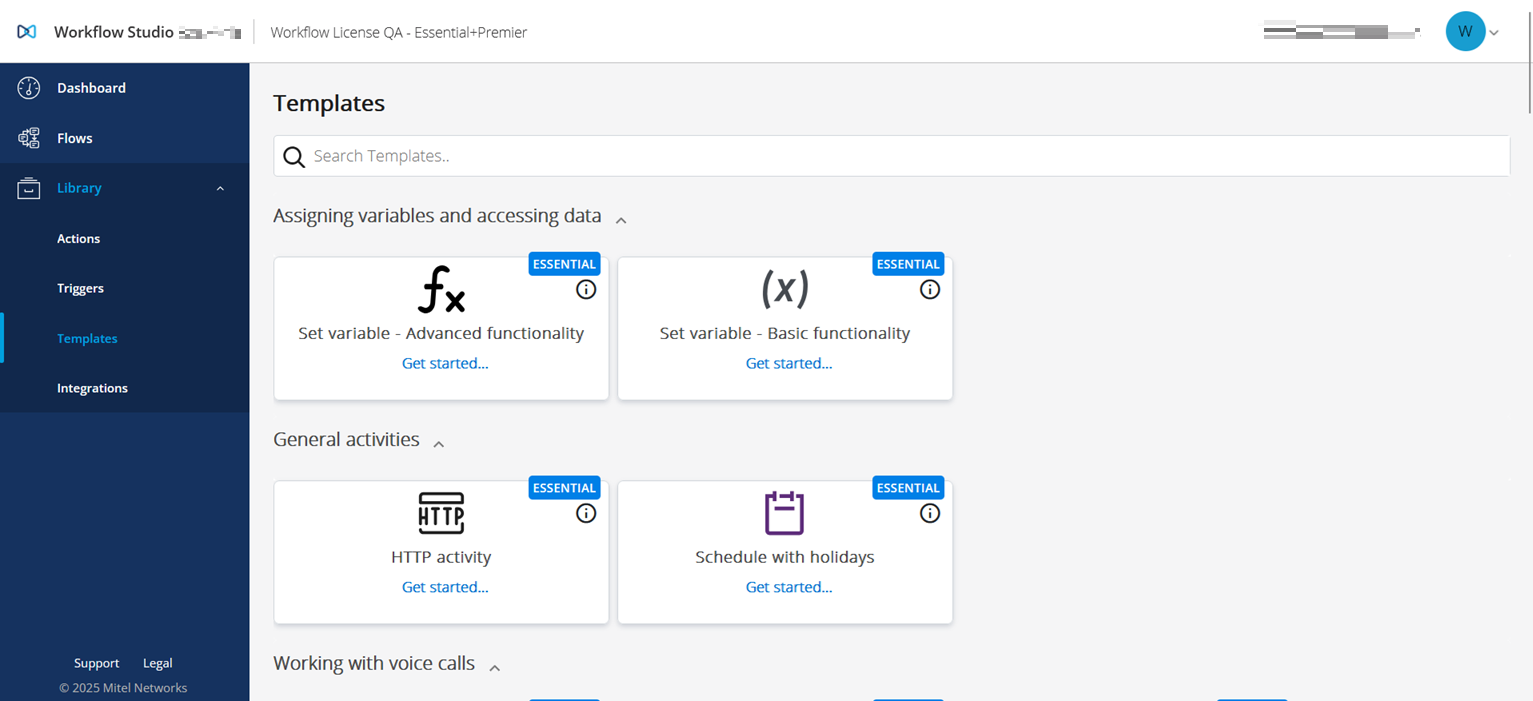
Click the Get started link to open the predefined template in the Workflow canvas and modify it based on your requirements.
↑