Configuring a user account for BluStar
System > Access control > User account
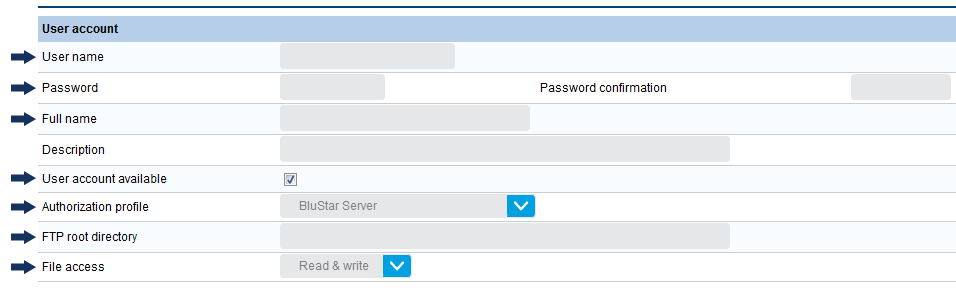
Click New and apply the following values to the following fields:
| User name | Enter a name for your BluStar user account |
| Password | Enter a password for your BluStar user account |
| Full name | Enter a full name for your BluStar user account |
| User account available | Checked |
| Authorization profile | BluStar Server |
| FTP root directory | Enter the FTP root directory for your BluStar Server |
| File access | Read & write |
↑