Create an action
This topic provides step-by-step instructions for creating an action.
- On the Workflow Studio home page, under Library, click Actions.
The Actions page is displayed.
- On the Actions page, click Create action.
The Create action page is displayed.
Figure 1. Create action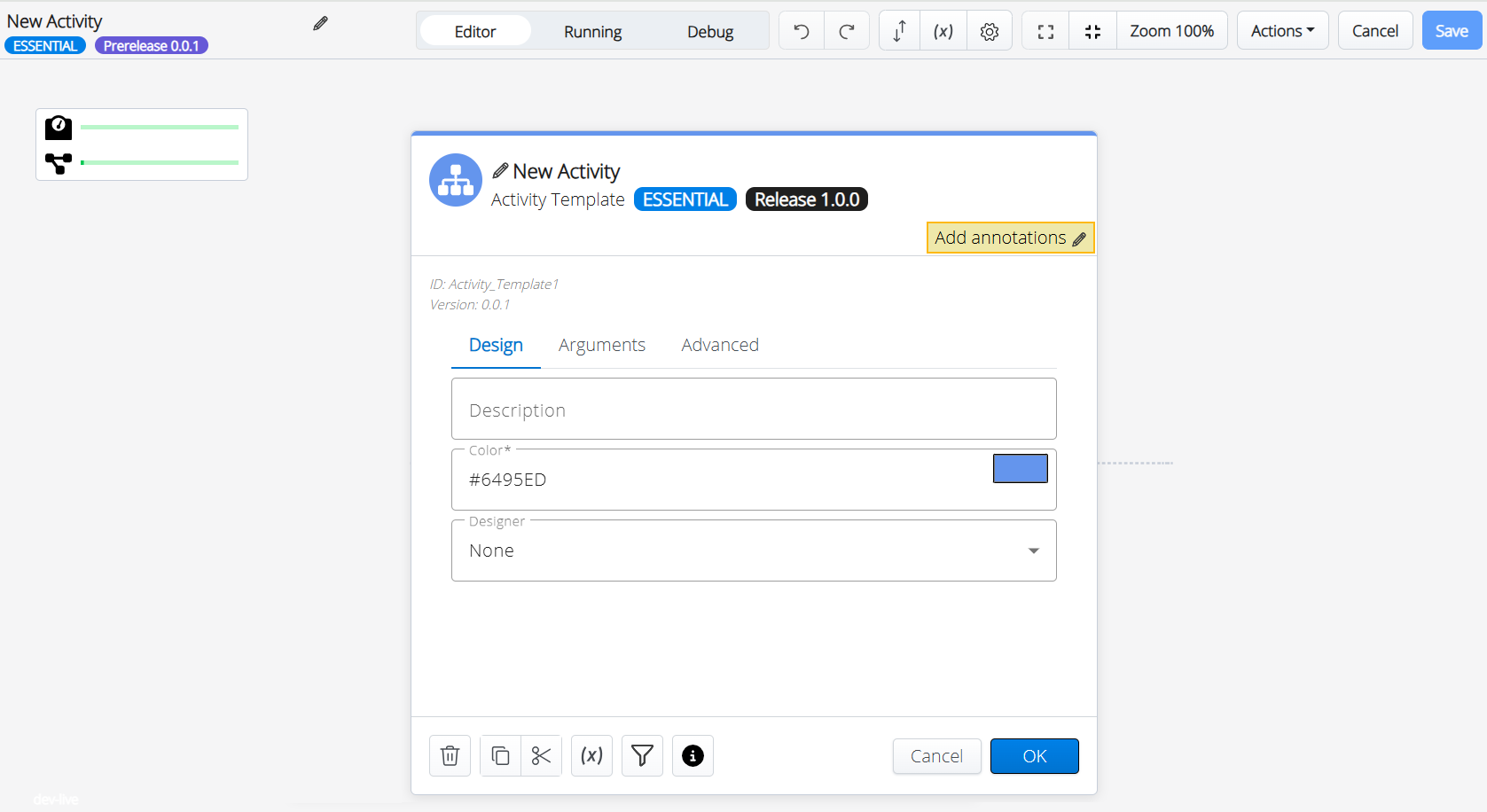
- Enter the required parameters for the activity.
- Click OK.
The Activity is added to the action.
- Click
 icon to add the next activity.
The Search Activities wheel is displayed.
Figure 2. Search Activities
- Search and select the required activity from the wheel.
The Activity Parameters screen is displayed.
Figure 3. Activity Parameters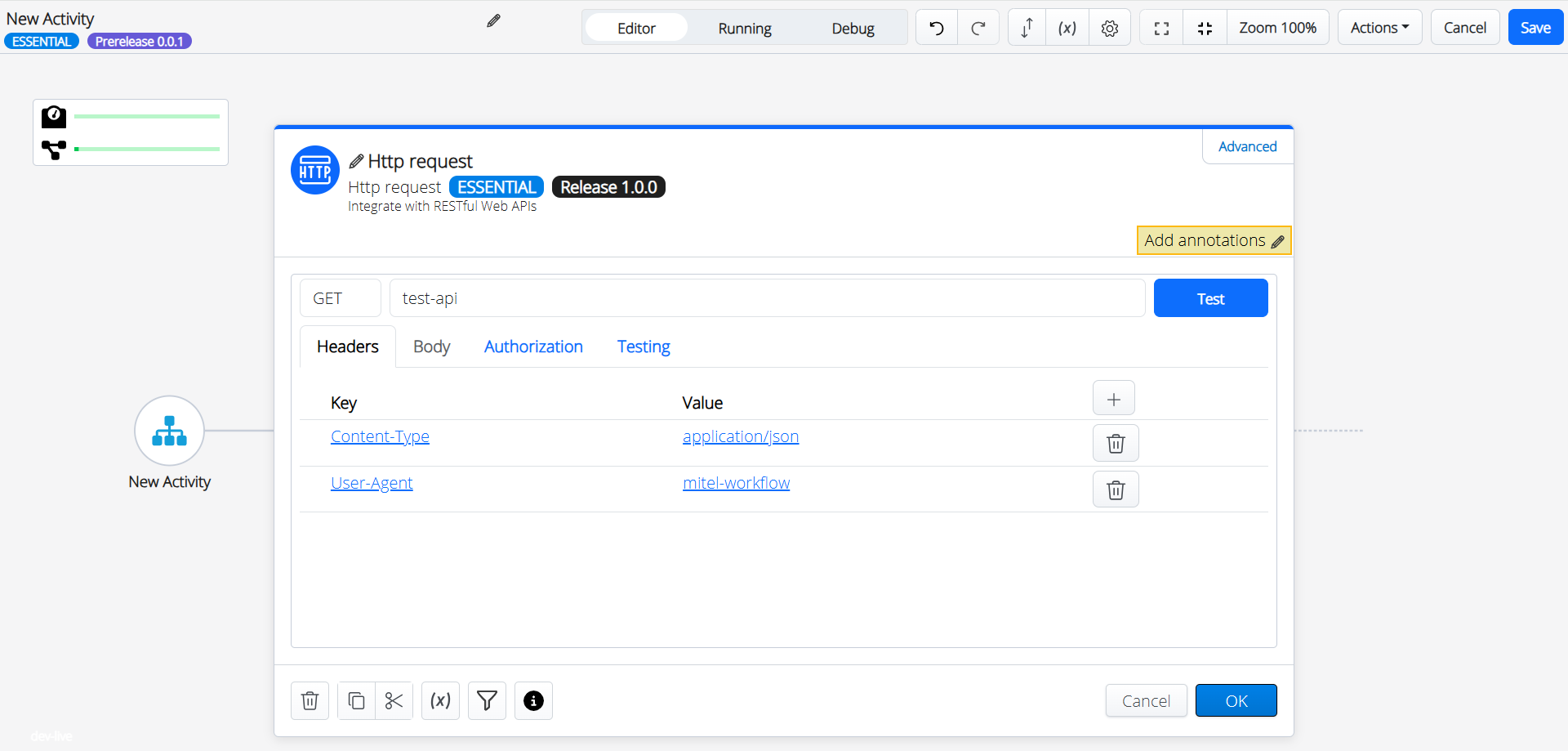
- Provide the required details in the Activity Parameters screen.
- Click OK.
- Follow the above steps to add all the required activities for the action.
The Completed action screen is displayed with all the required activities.
- Click Save.
The new action is created with the provided details.
↑