Actions
Actions are the fundamental building blocks that enable automation within workflows. Global actions are pre-configured actions with built-in functionalities. Local actions are custom-created actions to suit specific integration needs. Actions can range from simple tasks such as sending emails or updating database records to more complex operations like invoking external APIs or triggering notifications. You can orchestrate the business processes seamlessly by sequencing and configuring actions within workflows, automating repetitive tasks, and reducing manual intervention.
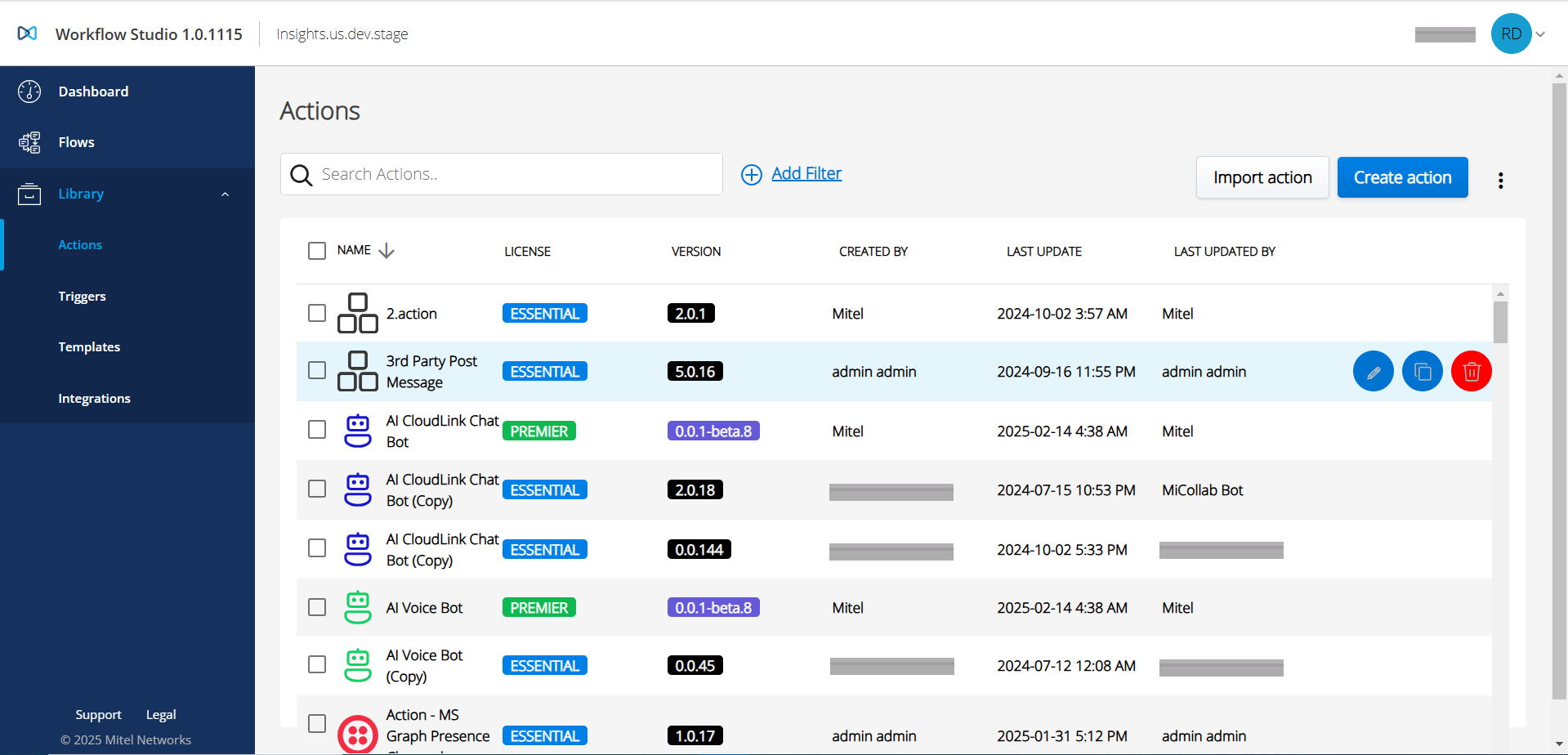
The Actions page displays a list of all actions available for the account, including all global actions and any local or composite actions created by other users.
You can access the Actions page by clicking Library on the left menu and selecting Actions.
- Create an action
- Edit an action
- Import an action
- Clone an action
- Delete a single or multiple action(s)