Import an action
This topic provides step-by-step instructions for importing an action. The definition is supported in JSON format.
- On the Workflow Studio home page, under Library, click Actions.
The Actions page is displayed.
- On the Actions page, click Import action.
The Import Action popup screen is displayed.
Figure 1. Import Action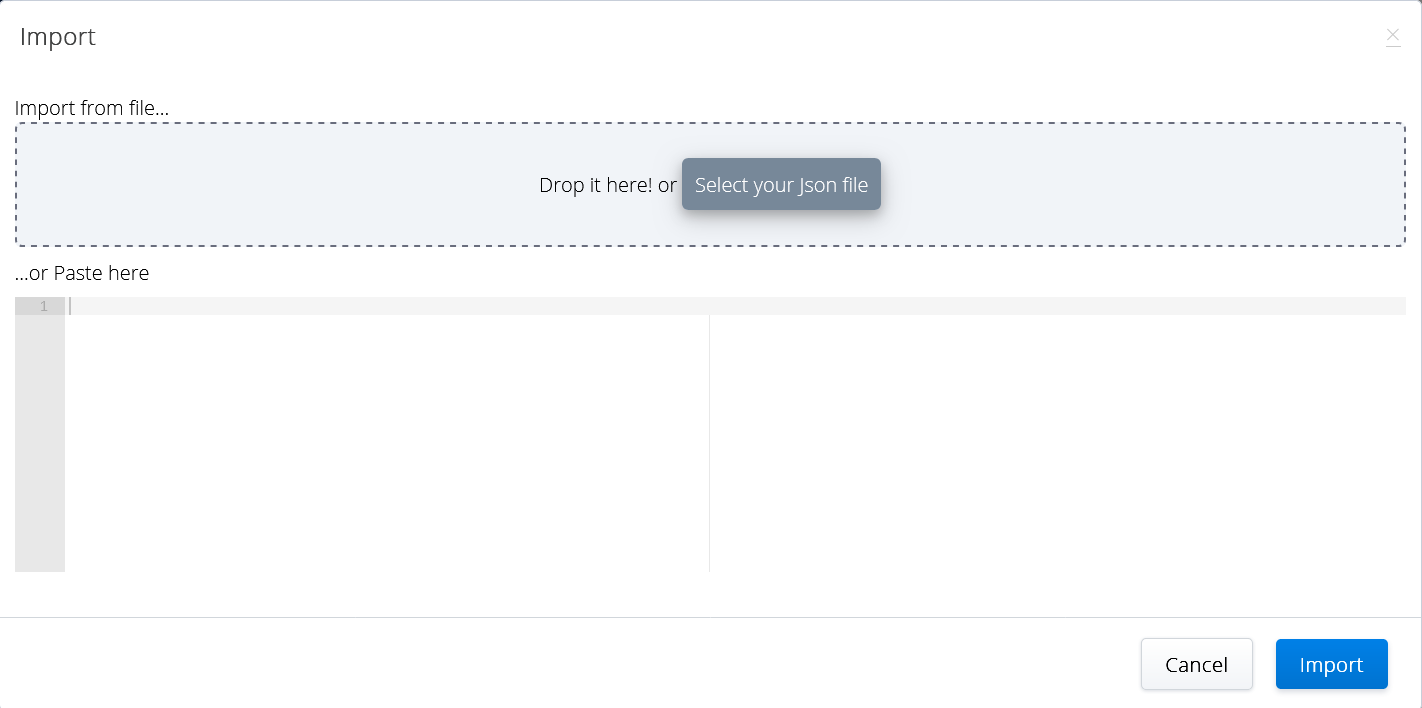
- In the Import tab, perform one of the following actions to import the definition of the action:
- Drag and drop the JSON file containing the action definition in the Import from file field.
- Click Select your json file to select the JSON file from your local folder.
- Copy and paste the action definition under the Paste here section.
- Click Import.
The selected action is imported to the canvas.
↑