Triggers
Triggers are configured to monitor designated conditions within the system and automatically launch associated workflows when specific criteria is met. Workflow Studio uses the triggers to respond dynamically to changes or inputs, ensuring timely and efficient automation of business processes.
The Triggers screen displays a list of all triggers available for the account, including all global triggers and any local triggers.
You can access the Triggers page by clicking Library on the left menu and selecting Triggers.
The Triggers page is displayed.
Figure 1. Triggers
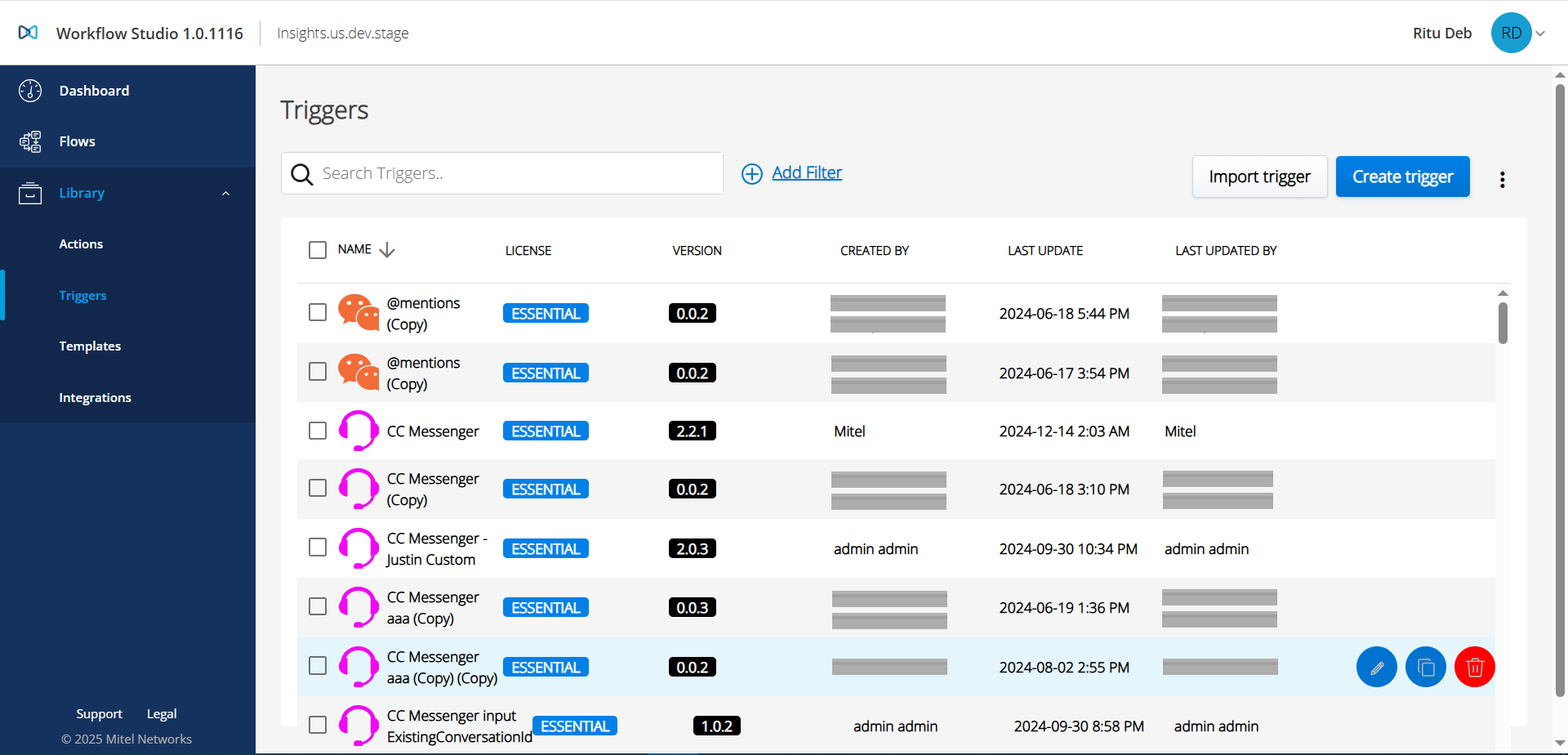
The following actions can be performed under the Triggers section:
- Create a trigger
- Edit a trigger
- Import a trigger
- Clone a trigger
- Delete a single or multiple trigger(s)
↑