List of Actions
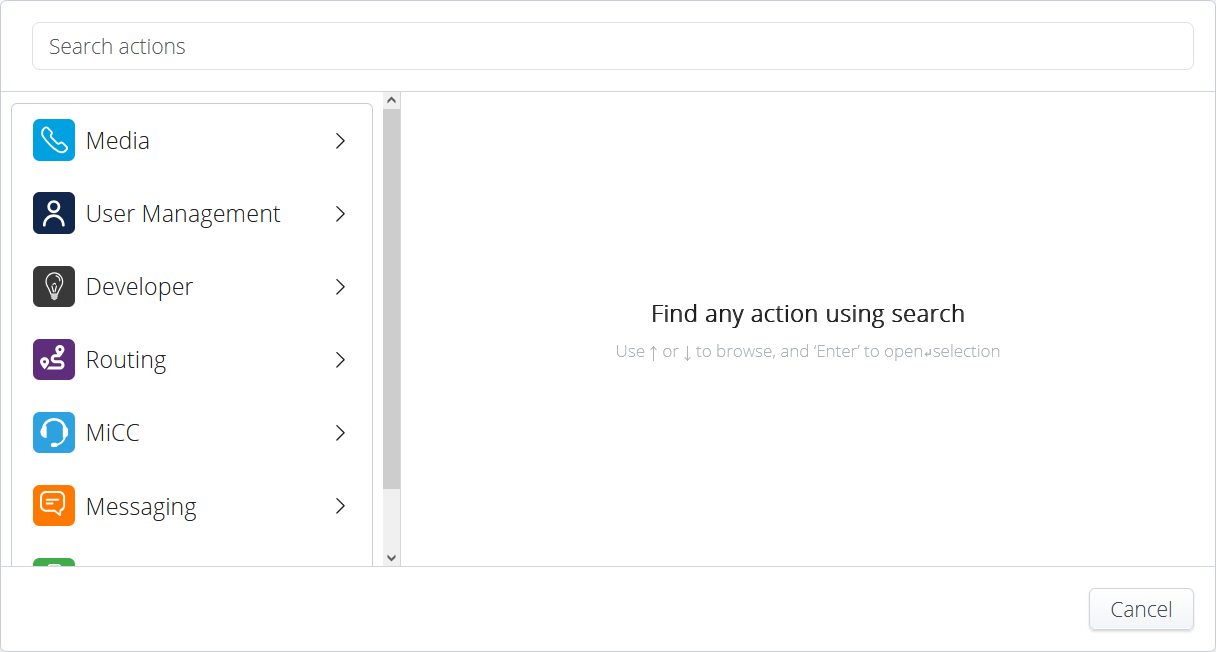
As an administrator, you can access the various actions from the Workflow Canvas.
Classic View:
By default, the Classic view is displayed. It allows you to configure all required input values for the activity.
Advanced View:
Each activity also has an Advanced view, which displays all the input, throughput, and output values for the activity.
Click Advanced on the top right corner of the activity to access the Advanced view.
The Advanced view is intended for expert-level users. In some cases, it can configure input values for the activity that are not shown in the Classic view. For example, the Dial by Name activity searches for the user by first name by default. To change this to search by last name, select the Advanced view and modify the SearchBy input variable from firstName to lastName. This input value is only configurable from the Advanced view.